How to Create a Project on the HPC Project Management Portal
You need to be connected to NYU VPN to access the HPC project management portal.
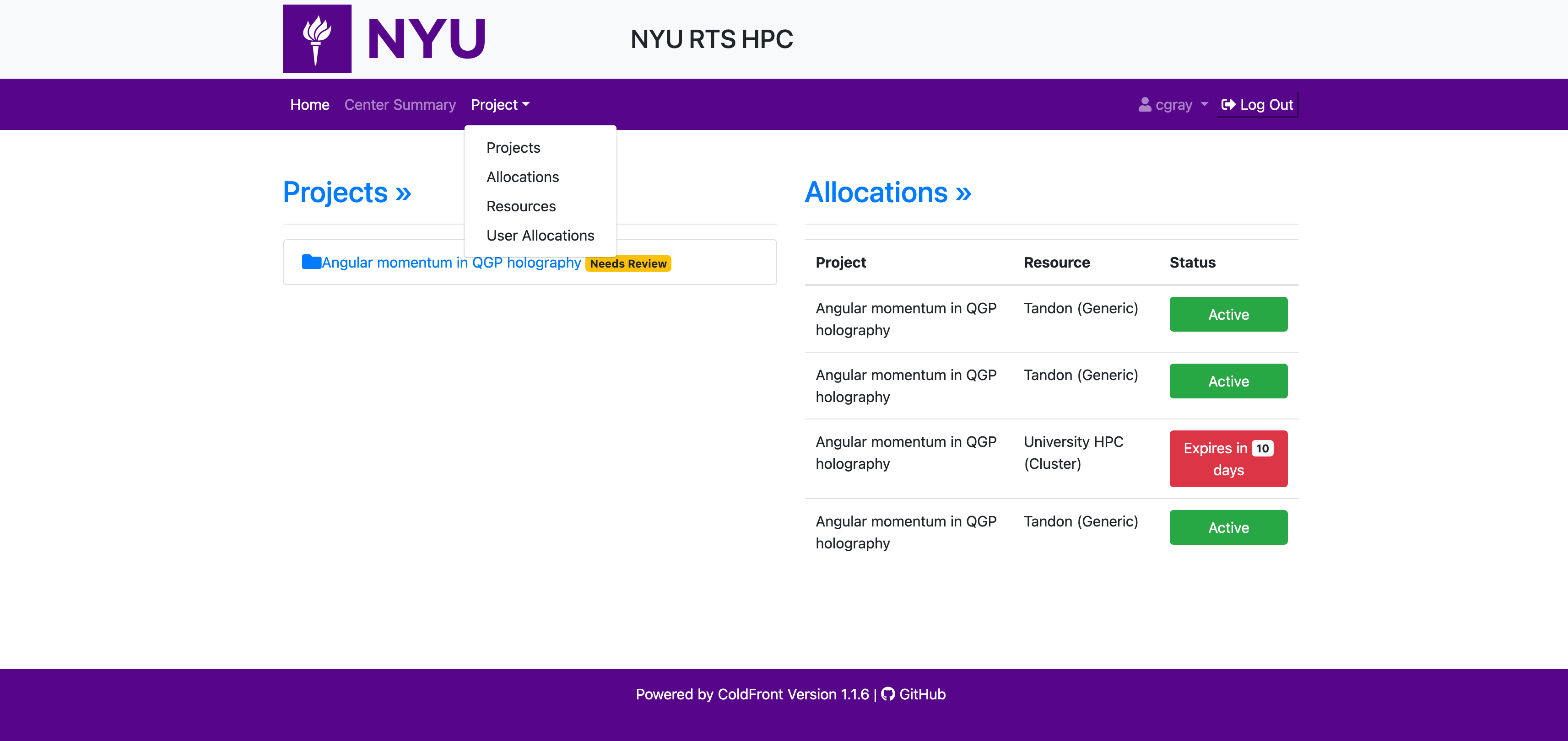
Login to HPC projects portal at projects.hpc.nyu.edu on the NYU VPN. Navigate to the "Project" item in the navigation bar on the top of the page and select "Projects" from the drop down menu.
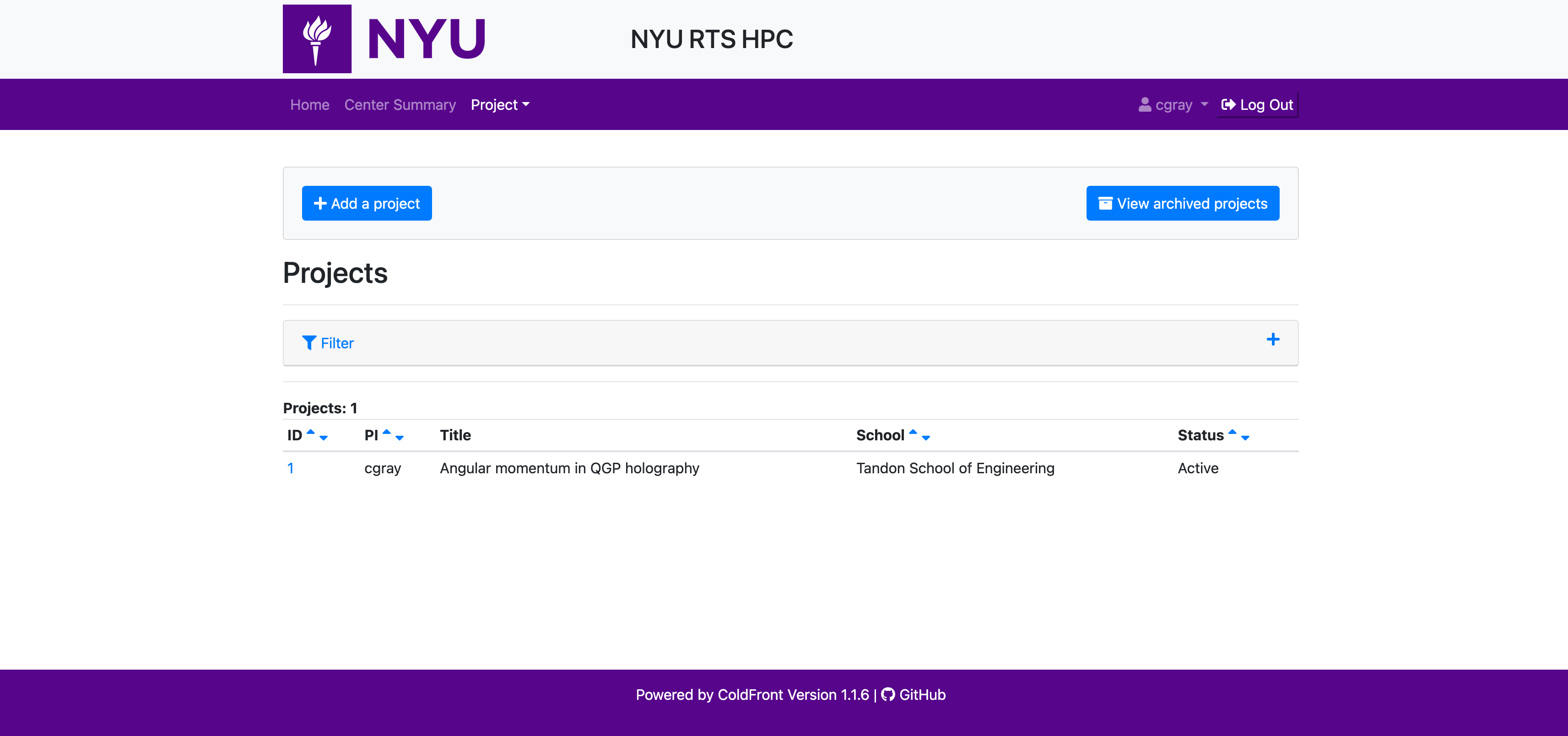
If you are a PI, you will be able to see a "+ Add a Project" button that will let you create a new project.
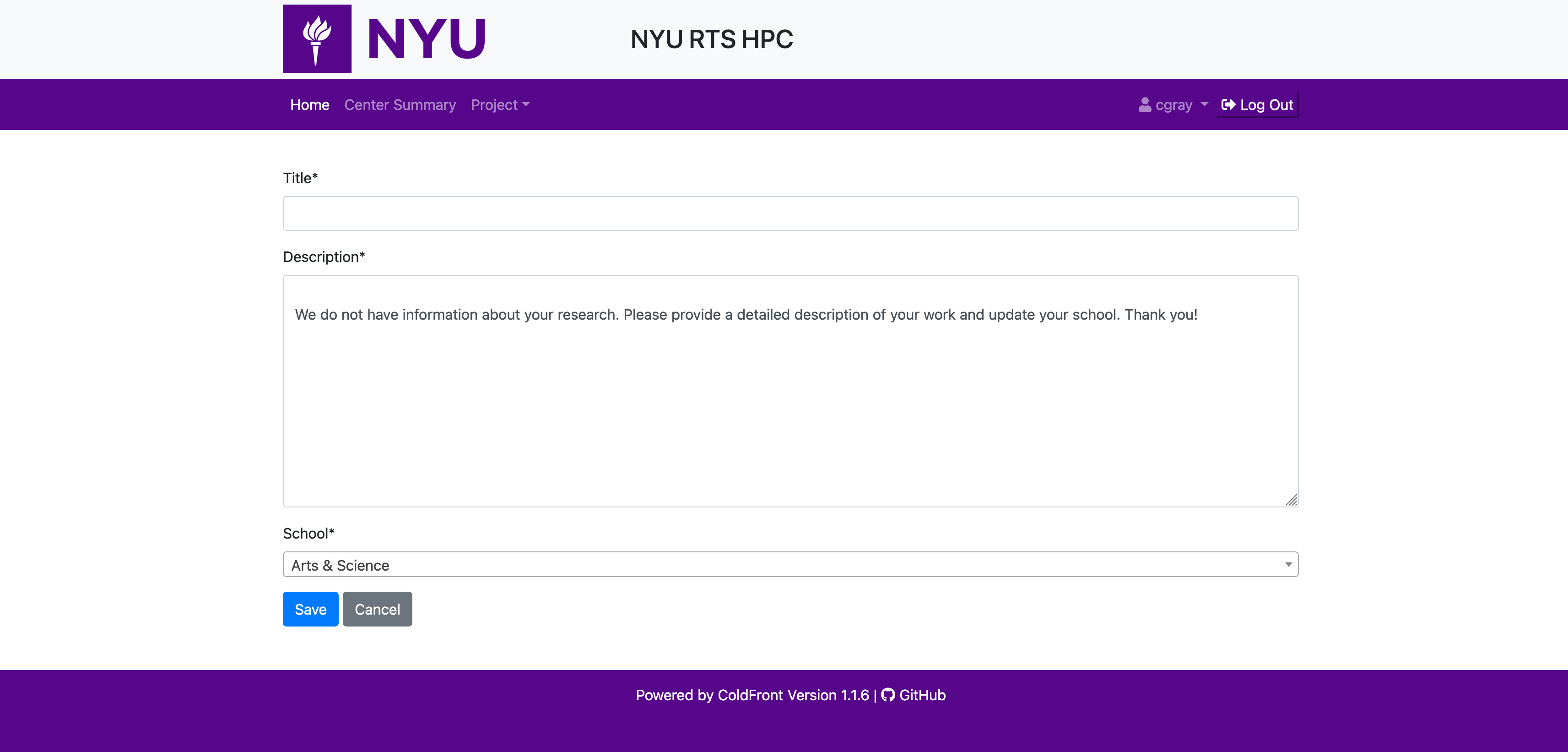
Click on it to head to the project creation page where you can add the project title, description and the school it will be associated with. The school a project is associated with determines the resources it will have access to. The school approver for the associated school has the capacity to approve allocation requests for resources associated with the school.
SLURM account yetSLURM accounts are created for "Allocations" not projects, so creating a project does not create SLURM account. Please head to the next section to learn about how you can submit an allocation request.